Model the hierarchy as valid paths
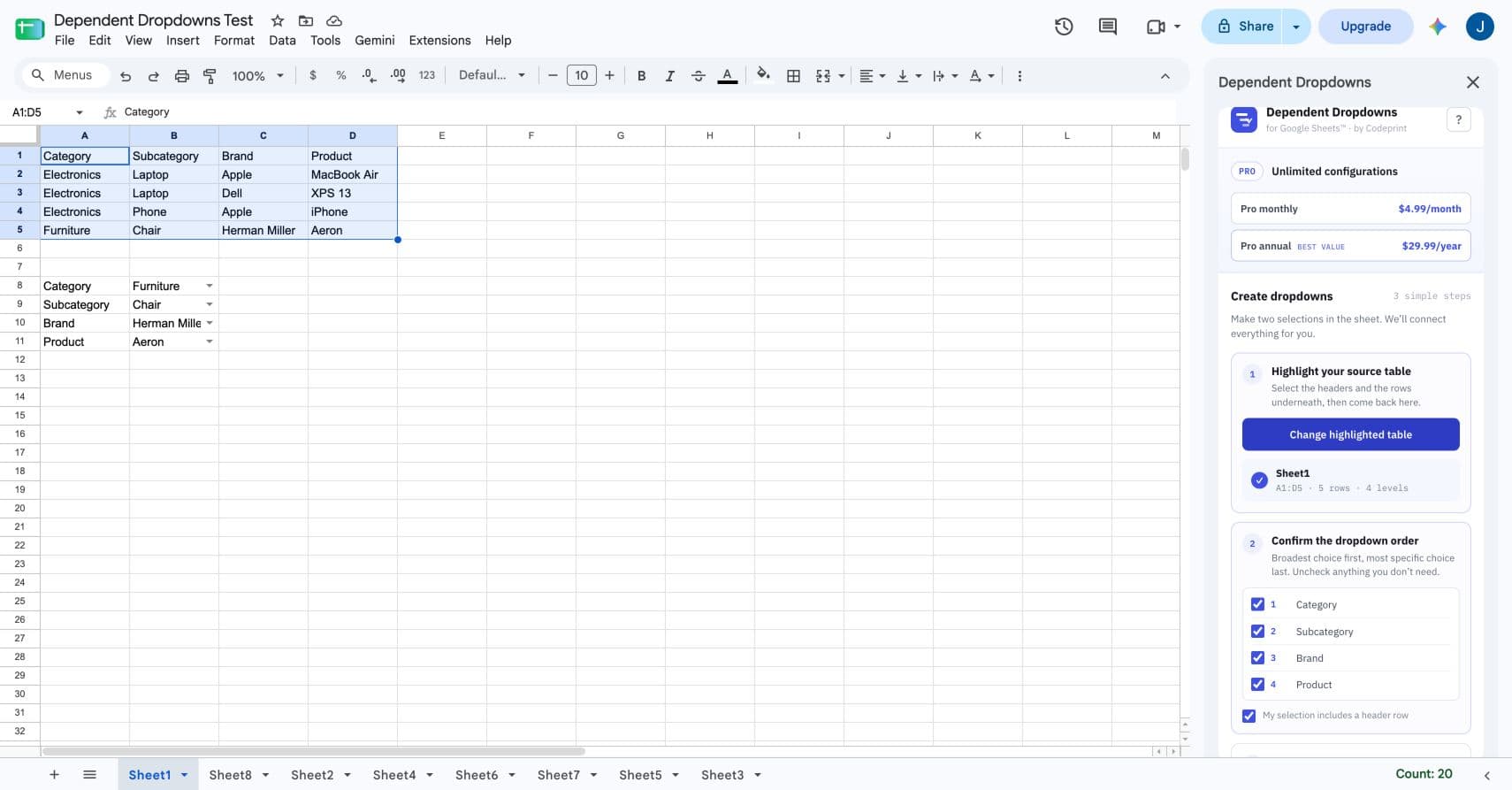
Each source row should describe one valid journey through the hierarchy. For a vehicle picker, that means Make → Model → Trim.
| Make | Model | Trim |
|---|---|---|
| Dodge | Challenger | R/T |
| Dodge | Charger | Scat Pack |
| Ford | F-150 | XLT |
| Ford | Mustang | GT |
| Toyota | Camry | XSE |
When someone chooses Dodge, the Model dropdown can offer Challenger and Charger. After Challenger, Trim can offer only trims listed on Challenger rows.
Use as many levels as the decision requires
2 levels Category → Item
3 levels Make → Model → Trim
4 levels Category → Subcategory → Brand → Product
5 levels Region → Country → State → City → Location
More levels are not automatically better. Include a level only when it removes irrelevant choices or prevents invalid data.
Build the hierarchy in parent-to-child order
- Highlight the flat table.
- Keep the broadest column first.
- Select between two and five columns.
- Choose Form or Repeating table.
- Create the configuration and test every branch.
Design for the person entering data
- Use familiar labels instead of database codes.
- Keep parent choices broad enough to recognize quickly.
- Avoid branches that end before the final level unless blank children are intentional.
- Put exact-cell Form dropdowns beside visible field labels.
- Use Repeating table when the same hierarchy repeats down many rows.
Handle source changes safely
Adding a new valid row makes that path available the next time the configuration rebuilds. Removing a path can make an existing downstream choice invalid. The add-on updates validation first and then clears only values that no longer belong to the path.