Start with the symptom
Usually a formula, matching, or missing-source-row problem.
Usually an absolute-reference or hierarchy-order problem.
The displayed value and the validation rule are separate things.
The saved setup exists, but a rule or source path no longer matches.
Work through these nine fixes
Why is my child dropdown empty?
Test the helper formula in a normal cell, confirm the parent value has matching source rows, and make sure a formula was not entered directly as the validation range.
Why does my dependent dropdown show the wrong options?
Check the hierarchy order and relative versus absolute references. A misplaced $ can make every row depend on the same parent cell.
Why does the parent text not match my source data?
Check spaces, punctuation, capitalization rules, and named-range-safe replacements such as underscores.
Why does every row follow the same parent dropdown?
A reference is probably locked incorrectly. Make the row portion relative so each child dropdown reads the parent on its own row.
Why did an old child value remain after I changed the parent?
Changing a validation rule does not necessarily clear an already selected value. Clear it manually or use automation that safely removes impossible downstream values.
Why did copy and paste remove my dropdown validation?
Paste values only, or use Repair in Dependent Dropdowns for Google Sheets™ to restore the saved validation rules.
Why did a previously valid option disappear?
The source table may no longer contain that complete path. Restore the valid combination or choose a different parent value.
Why does one row have no dependent dropdown?
Confirm the row is inside the saved destination range. Extend the range or create another configuration for additional rows.
What should I do if automatic dropdown updates stopped?
Reopen the sidebar, follow the automatic-updates warning, restore access if requested, and use Repair after automation is reconnected.
Repair without risking cell values
Dependent Dropdowns for Google Sheets™ installs replacement validation rules before clearing an invalid child selection. A failed rule write therefore does not erase the user’s existing value first.
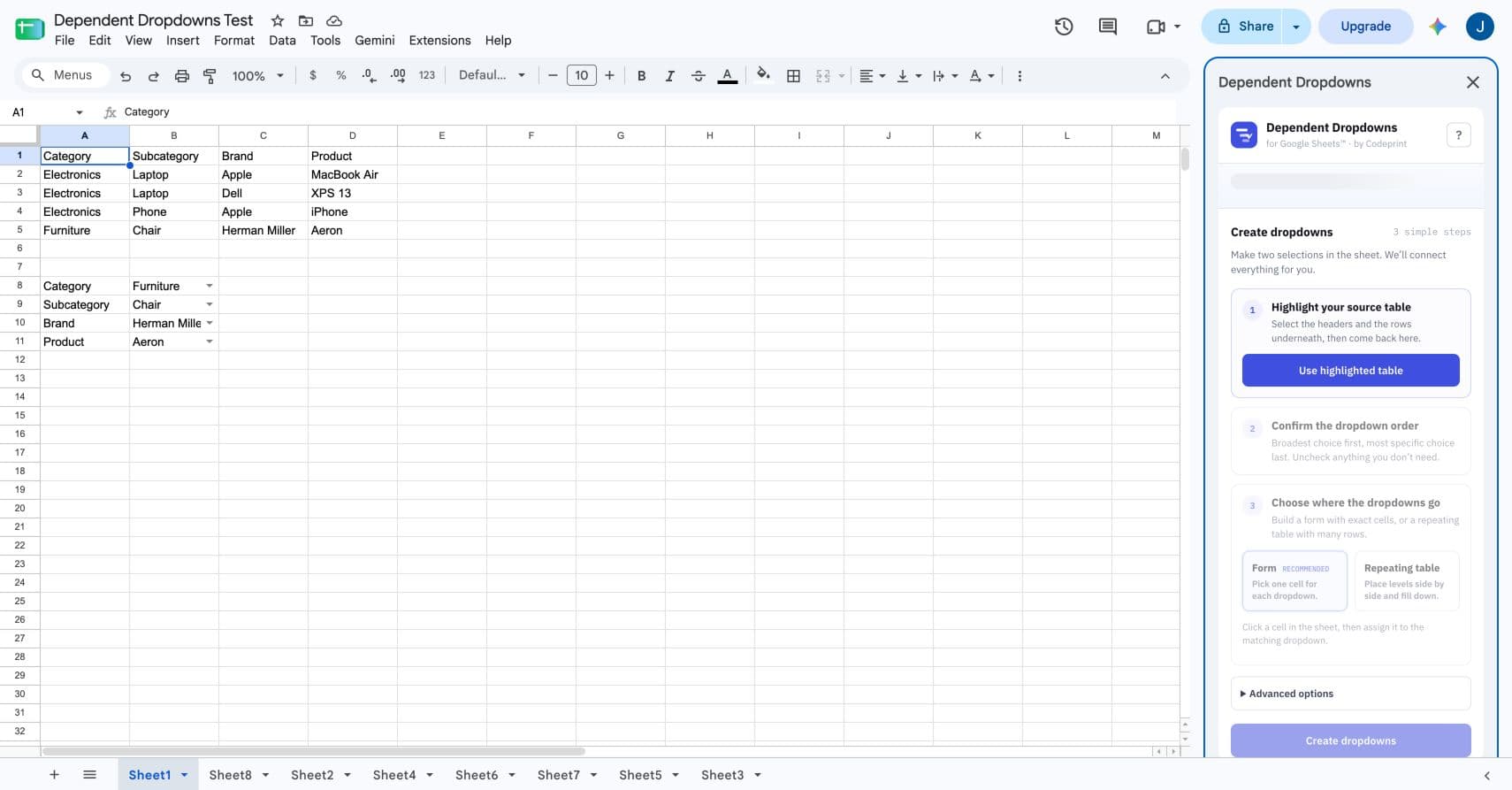
- Open the sidebar.
- Find the configuration marked Needs repair.
- Press Repair.
- Test the parent-child path again.
Prevent the problem from returning
- Keep one flat, header-based source table.
- Do not use whole-column source ranges.
- Paste values only into configured destination cells.
- Use sheet IDs and saved configurations instead of hand-built name references when sheets may be renamed.
- Keep each hierarchy inside its saved destination range.
Verified against: Google’s guide to changing and deleting dropdown rules.