Why people avoid INDIRECT
INDIRECT turns text into a cell reference. Traditional dependent-dropdown setups often require parent values to match named ranges exactly, which makes spaces, renamed categories, and large row-based systems harder to maintain.
Verified against: Google’s INDIRECT function reference.
Option 1: use FILTER helper ranges
FILTER works directly against a flat table, so category names do not have to become named ranges.
=IF(Orders!B2="","",SORT(UNIQUE(FILTER(Catalog!B2:B,Catalog!A2:A=Orders!B2))))The tradeoff is unchanged: the formula must output into cells, and each independent entry row needs an independent helper output.
Option 2: write Apps Script
An edit trigger can read the changed parent, calculate valid children, replace validation, and clear an impossible value. This is flexible, but you must handle permissions, trigger ownership, concurrent edits, quotas, and partial failures.
Verified against: Google’s Apps Script trigger documentation.
Option 3: use the maintained add-on
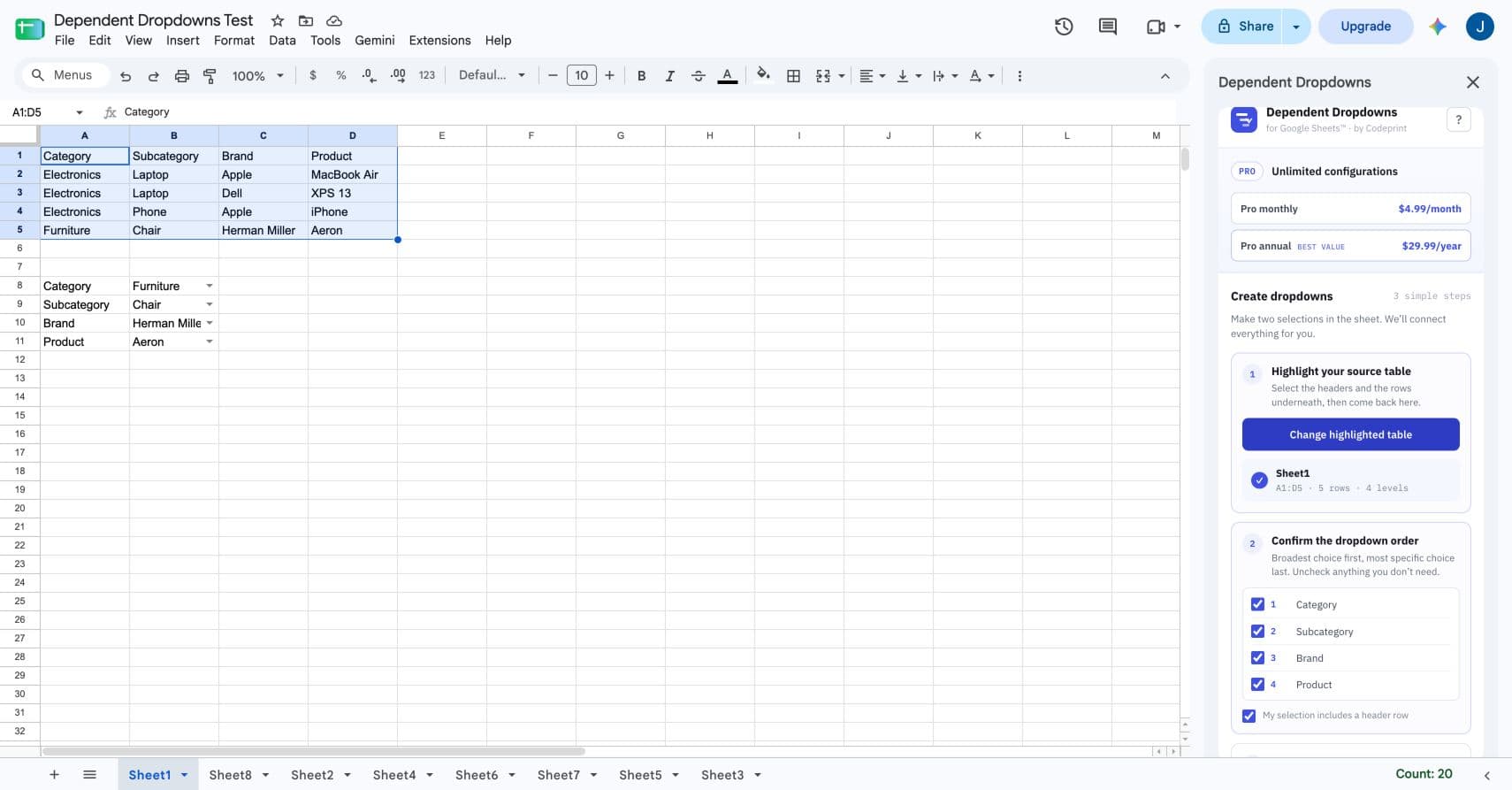
Dependent Dropdowns for Google Sheets™ reads one flat table, lets you choose two to five levels, and creates either exact-cell or repeating-row outputs. You do not create or maintain formulas, named ranges, helper tabs, or Apps Script.
Which method should you choose?
Choose it for transparency
Best when one small form and a visible helper tab are acceptable.
Choose it for custom logic
Best when you are prepared to own and test the code.
Choose it for maintainability
Best when nontechnical users need setup, repair, and clear limits.